Review group action logs
Last updated June 17th, 2026
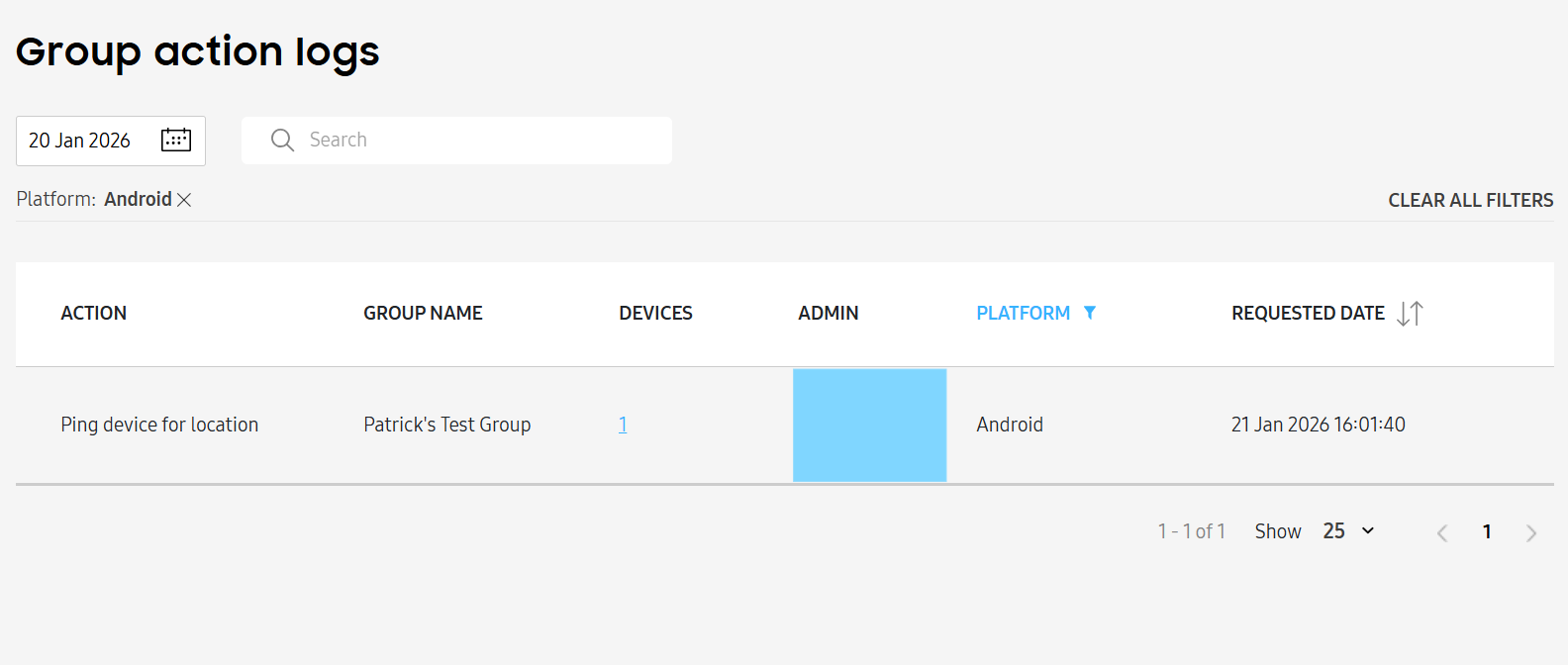
The Group action logs page displays all actions performed on groups. To view this page, go to the Group action logs page.
By default, only logs from the previous day are displayed, but you can view logs from up to 93 days prior.
The log table is organized into the following columns:
- ACTION — The action that was performed.
- GROUP NAME — The group’s name.
- DEVICES — The devices associated with the group. Click the number link to see a list.
- ADMIN — The IT admin who performed the action.
- PLATFORM — The platform of impacted devices.
- REQUESTED DATE — The date that the IT admin performed the action.
Group action logs are also available for each group individually. To view logs for a specific group, go to the Groups page, then click a group name and select VIEW GROUP ACTION LOG.
Is this page helpful?