Overdue payment wallpaper
Last updated November 19th, 2025
To use this feature, you need a Knox Guard Advanced license.
To encourage users to fulfill outstanding payments, you can use the Overdue payment wallpaper policy to display a warning wallpaper on a device’s home and lock screens. Device users can’t edit this wallpaper until wallpaper restrictions are removed.
Use this policy to upload a wallpaper to apply to devices. For information on how to enable this policy for a device, see Apply or remove overdue payment wallpaper.
Set overdue payment wallpaper
To set your overdue payment wallpaper:
-
Navigate to the Policies page.
-
Under ADVANCED CONTROLS, click OVERDUE PAYMENT WALLPAPER.
-
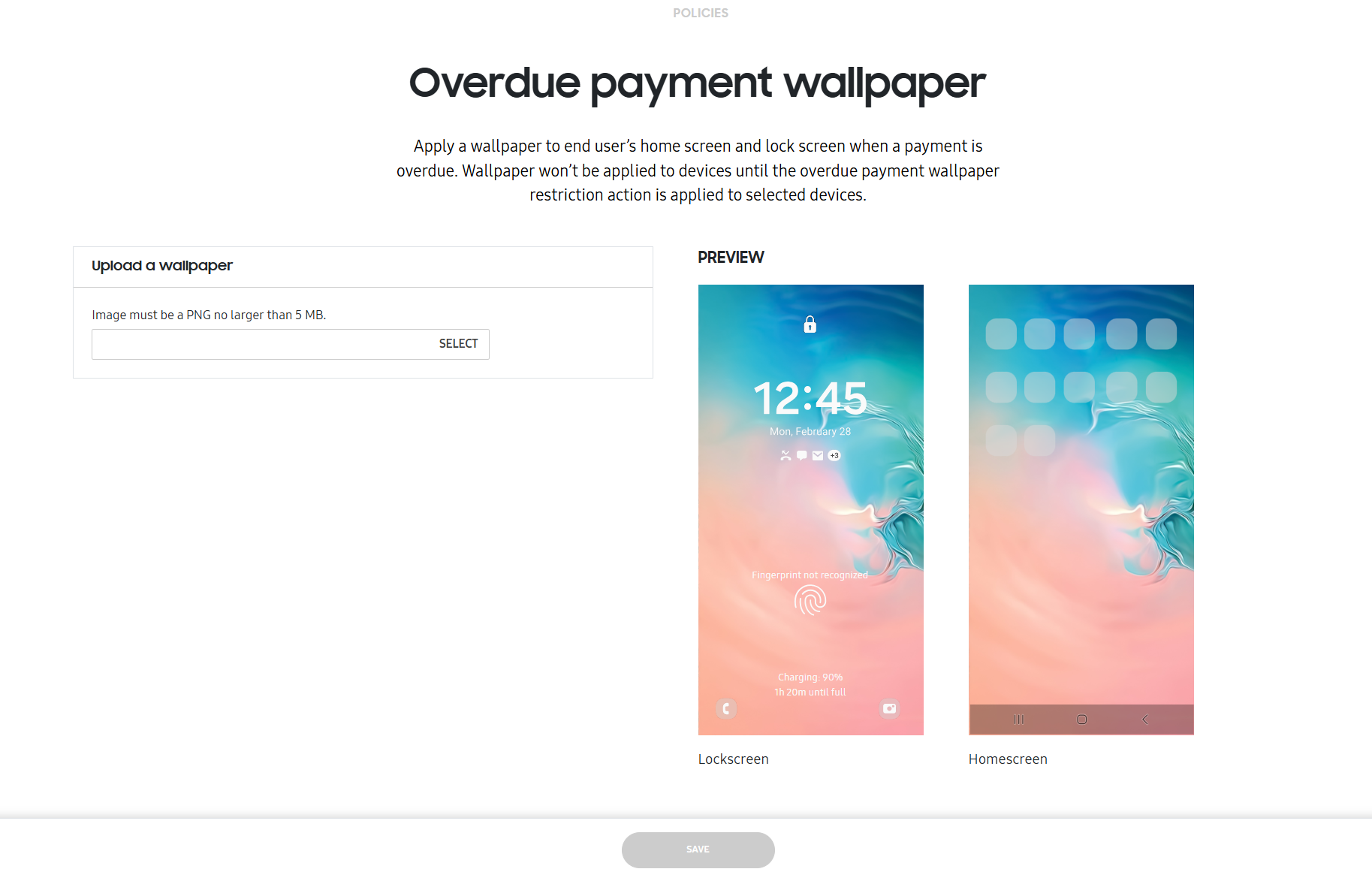
Select an image to upload. Images must be less than 5 MB and in PNG format. Once selected, a preview displays.
-
Click SAVE.
On this page
Is this page helpful?