Update approval ID
Last updated October 27th, 2026
Approval IDs are used with a financial institution’s unique billing system to approve a loan payment.
Update approval ID in bulk
To update the approval ID for a device:
-
Click BULK ACTIONS in the bottom of the left navigation pane.
-
To download a standard template, click Download CSV template.
For more information on how to create a properly formatted CSV file, click Instructions for all bulk actions from the bottom left-hand side of the Bulk actions screen.
-
Click UPDATE APPROVAL ID and upload your CSV file.
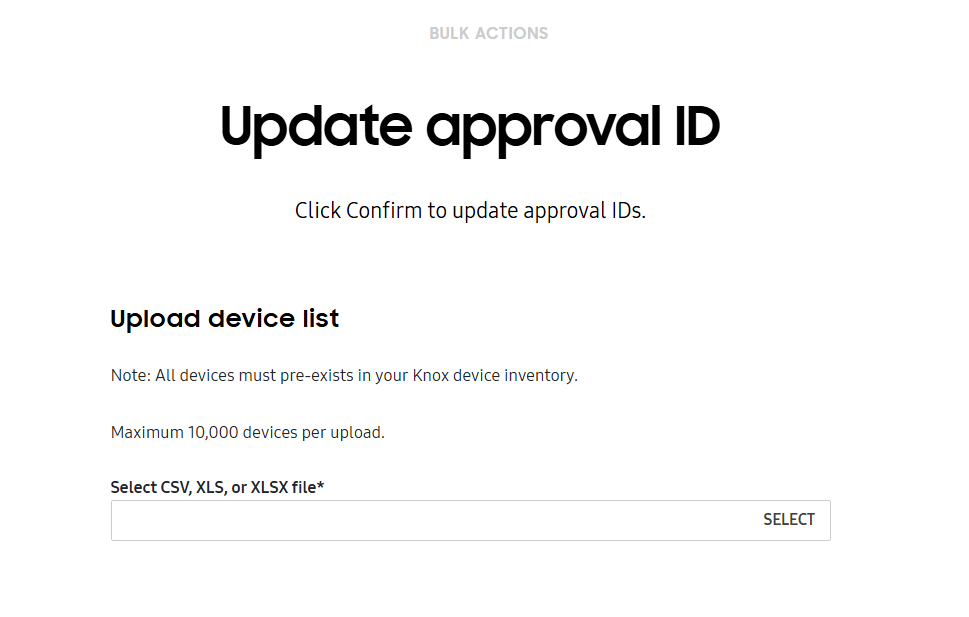
-
Click CONFIRM.
On this page
Is this page helpful?