Update enrollment management
Last updated August 5th, 2025
You can set a unique message that displays during enrollment and SIM card change events.
To configure the tenant-wide default enrollment message, see Enrollment management.
Set enrollment messages
To set unique enrollment messages for select devices:
-
On the Devices page, select one or more devices.
-
Click ACTIONS > Manage policy > Update enrollment management.
-
To set a unique enrollment message, click Enable enrollment notices.
- Enter your message in the Customize message field.
- (Optional) Enter a Phone number that device users can call to learn more about their subscription. Phone numbers can only contain numbers and the following symbols:
#,+,*. - Configure your Message settings:
- Persistent notification: The enrollment message displays permanently in the notification panel.
- Dismissible notification: Device users can dismiss the enrollment message.
- Show after enrollment is completed on the device (default)
- Show after device reboot
-
To set a unique message that displays when the device’s SIM card is changed, click SIM card change.
- Enter your message in the Customize message field.
- (Optional) Enter a Phone number that device users can call to learn more about their subscription.
-
Click SAVE.
Set enrollment messages in bulk
You can select devices in bulk by entering their IMEIs or serial numbers into a standardized template. The maximum number of devices you can select in one action is 10,000.
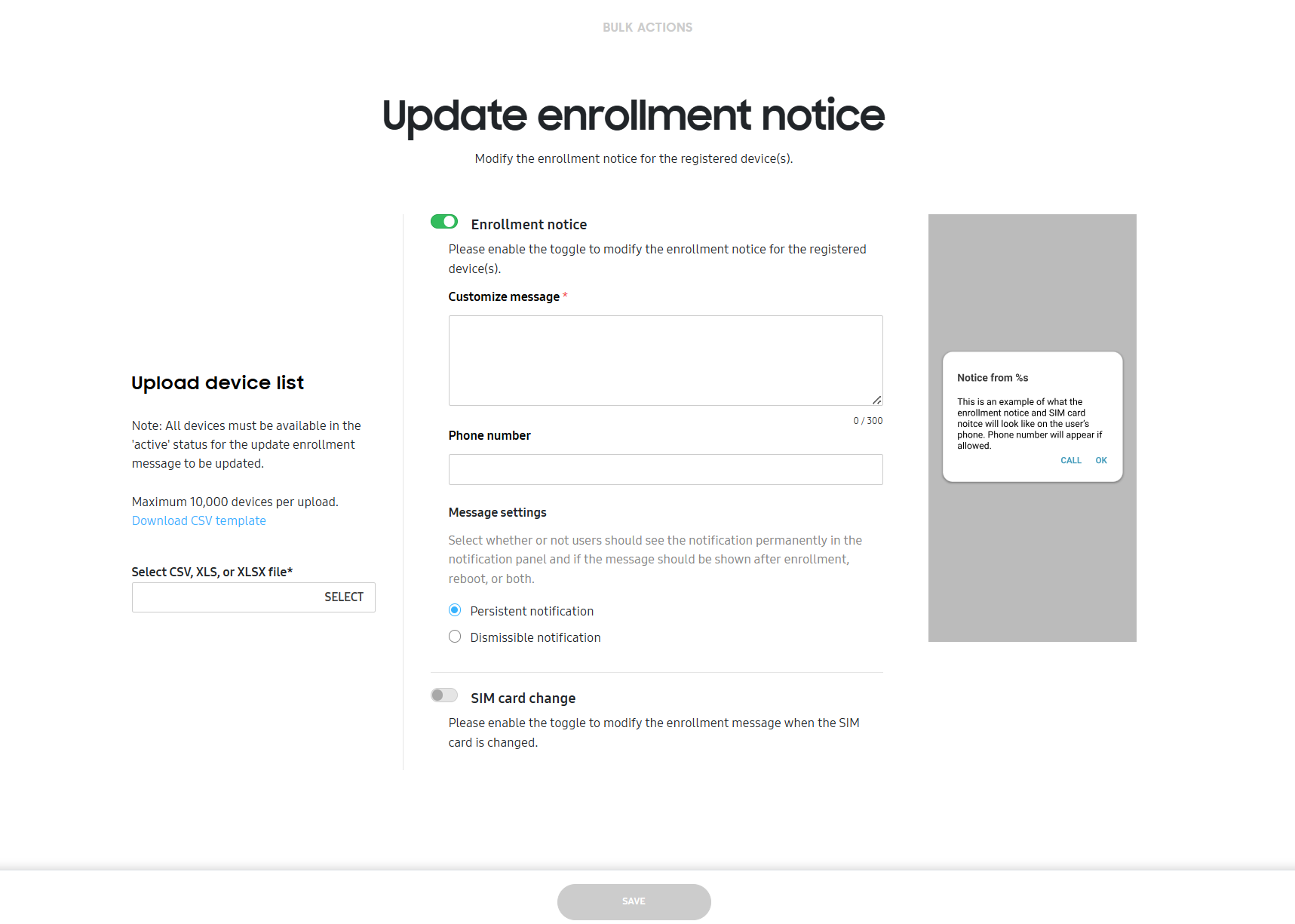
To set enrollment messages in bulk:
-
Click BULK ACTIONS in the bottom of the left navigation pane.
-
To download a standard template, click Download CSV template.
For information on how to create a properly formatted CSV file, click Instructions for all bulk actions from the bottom left-hand side of the Bulk actions screen.
-
Under MESSAGING, click UPDATE ENROLLMENT MANAGEMENT and upload your CSV file containing the device IDs.
-
Refer to steps 3 and 4 of the Set enrollment messages section to configure your enrollment message settings.
-
Click SAVE.
On this page
Is this page helpful?