Part 3: Creating Your First Report
Last updated August 28th, 2026
About
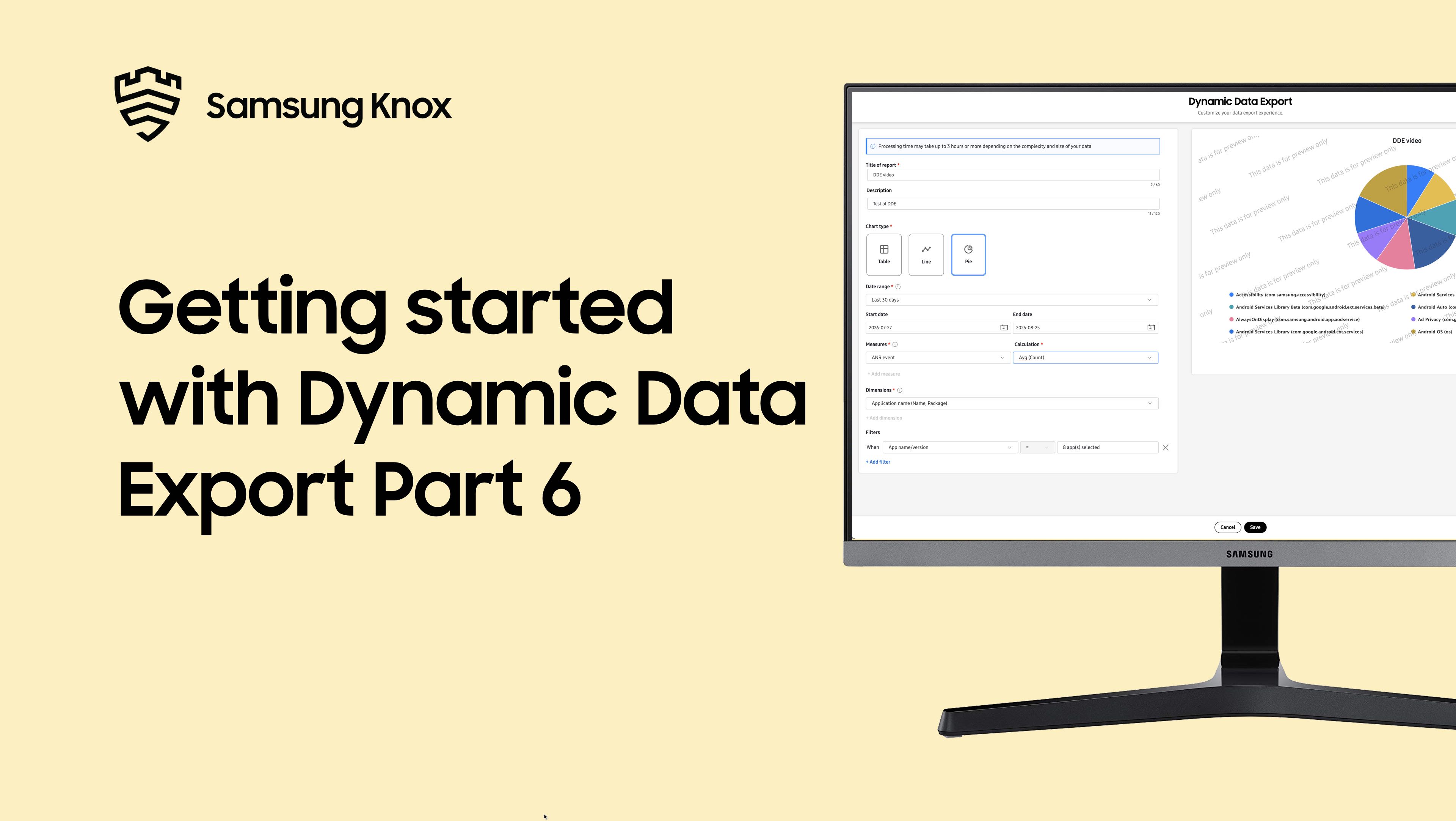
This video provides a step-by-step walkthrough of creating your first Dynamic Data Export report. Learn about navigating to DDE in the left navigation pane, creating a new report with title and description, choosing your chart type, setting date ranges with preset or custom options, selecting measures to analyze, picking dimensions to group your data, and understanding dimension compatibility with your selected measures.
Video chapters:
-
00:00- Introduction -
00:07- Navigate to Dynamic Data Export -
00:16- Create a new report -
00:30- Choose chart type -
00:42- Set date range -
01:06- Select measures -
01:25- Pick dimensions -
02:03- Create and generate report -
02:42- Next steps
See more videos
On this page
Is this page helpful?