Get started with Dynamic Data Export
Last updated August 28th, 2026
This video series provides a comprehensive guide to using Dynamic Data Export (DDE) in Knox Asset Intelligence. Learn how to build customized reports by combining multiple data insights such as battery events, network usage, and app abnormal events into a single report.
-
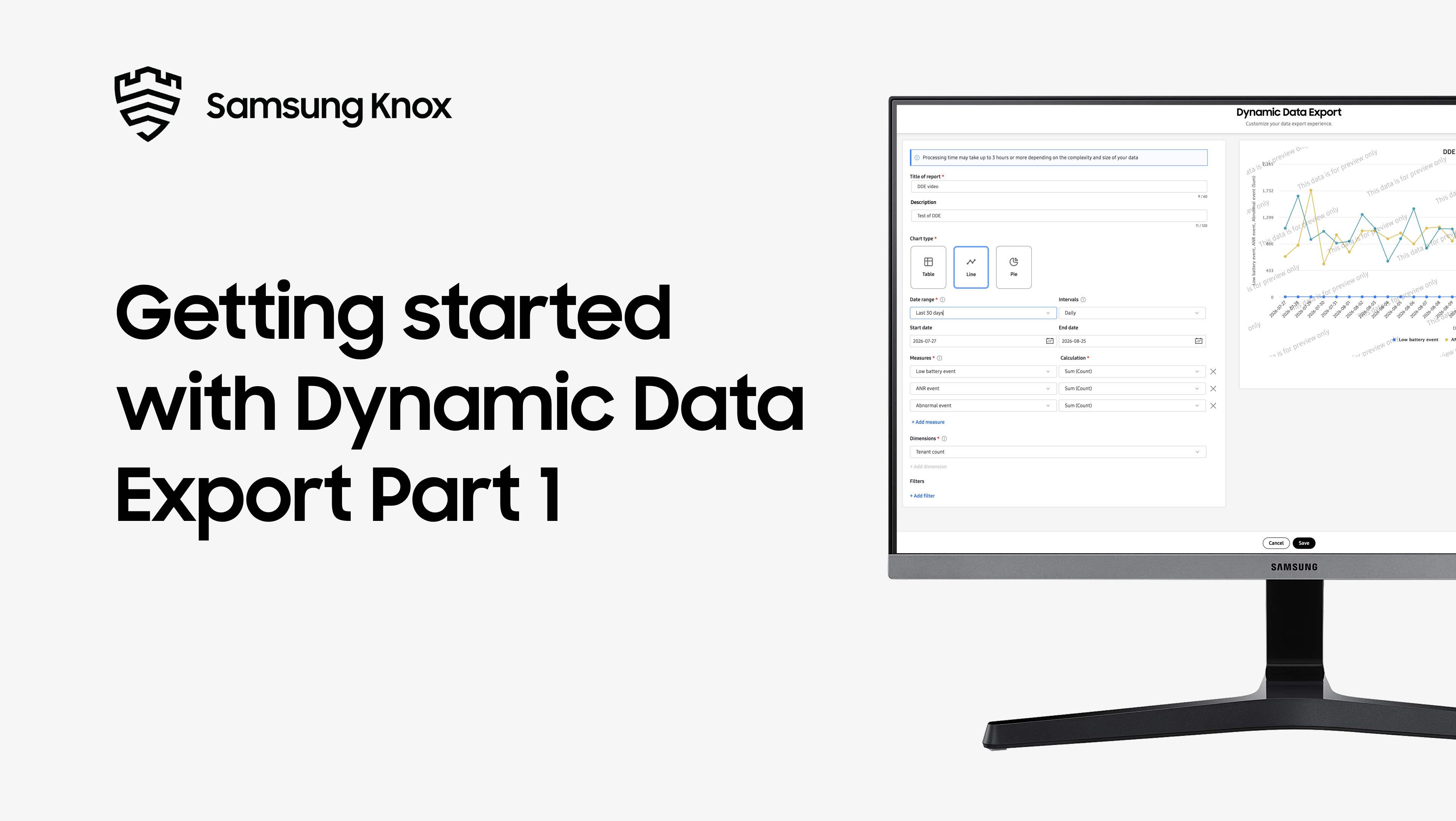
Part 1 introduces Dynamic Data Export and its key features and benefits.
-
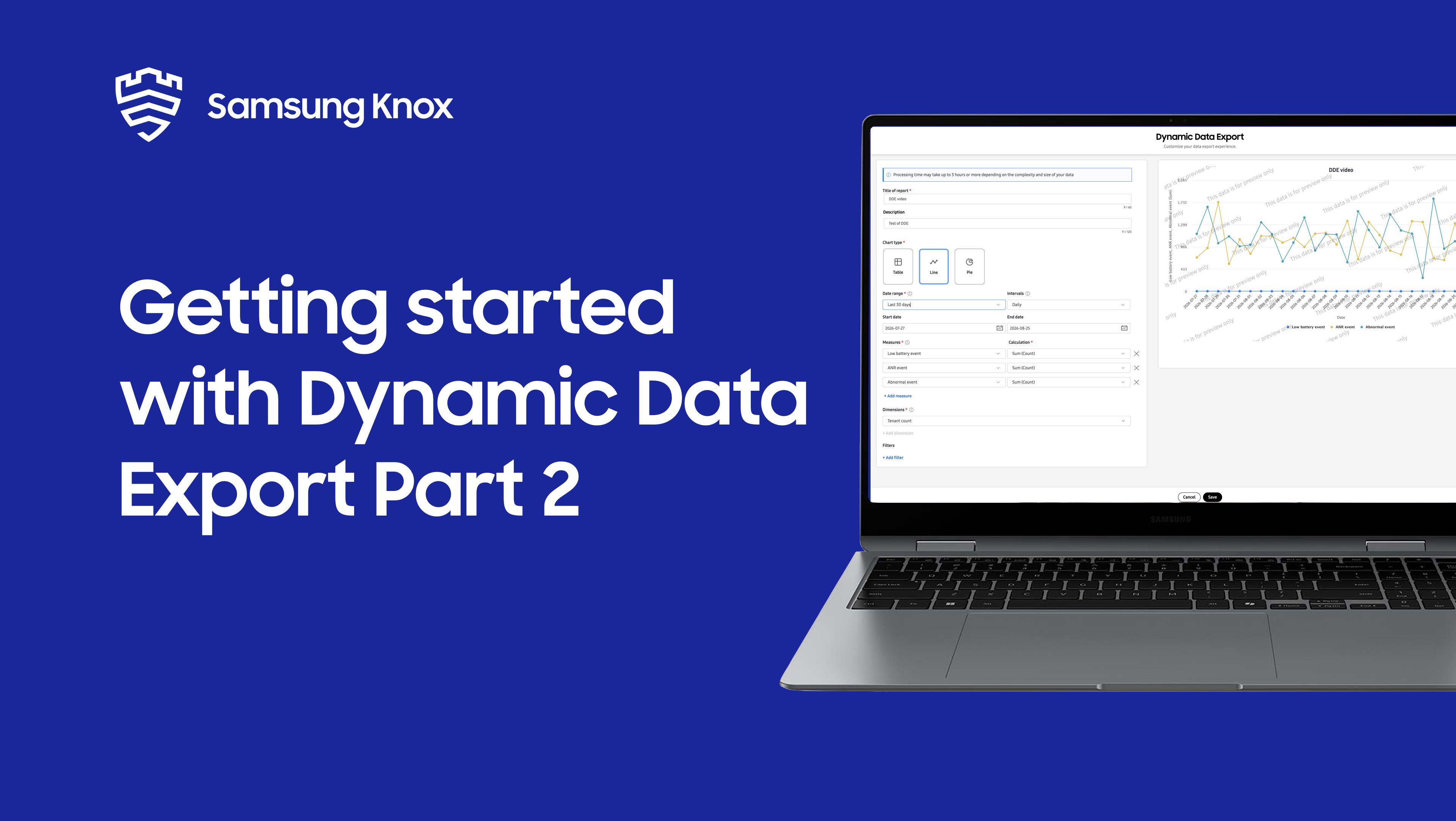
Part 2 introduces measures and dimensions, the building blocks of DDE reports.
-
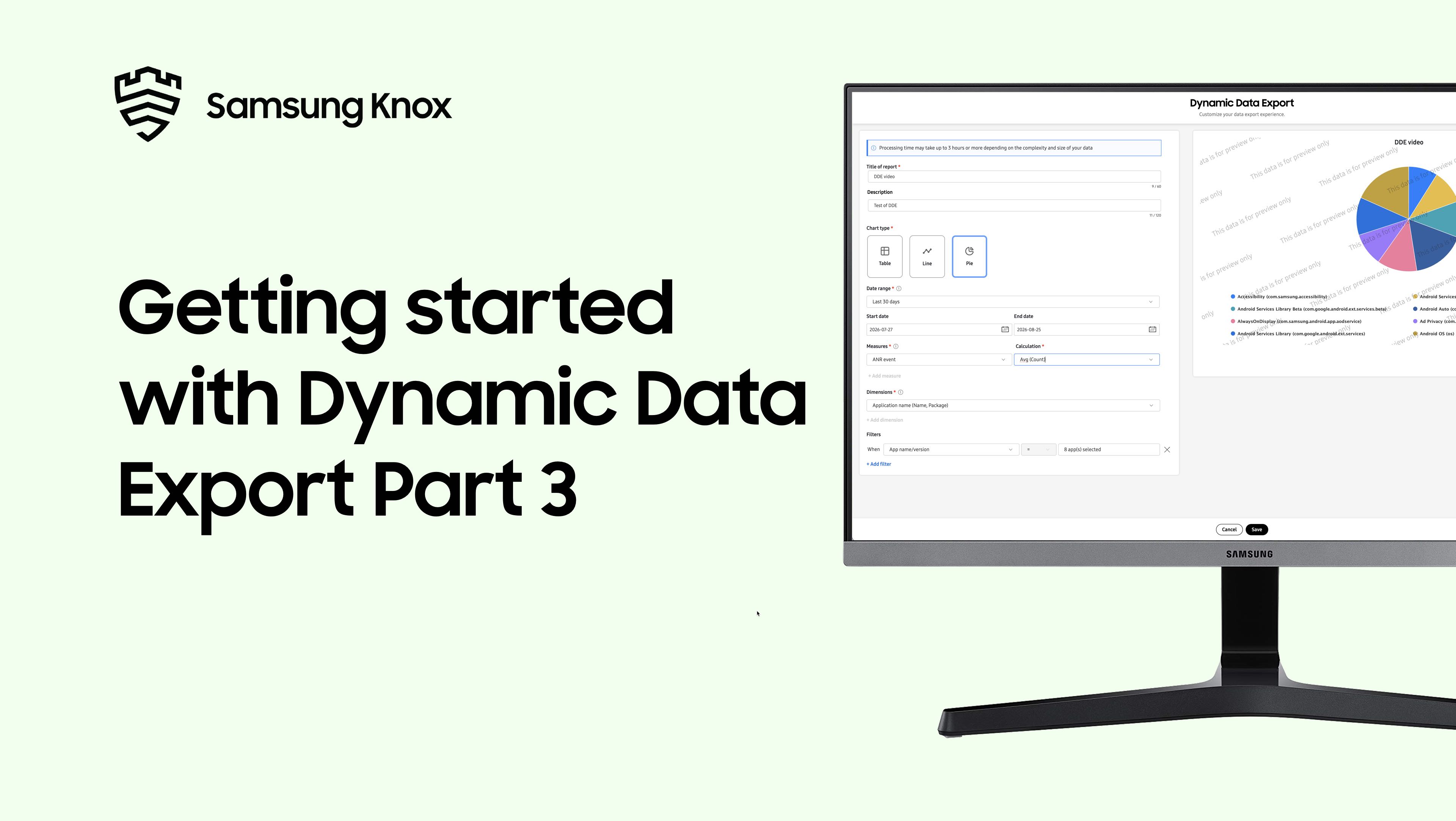
Part 3 introduces how to create your first DDE report step-by-step.
-
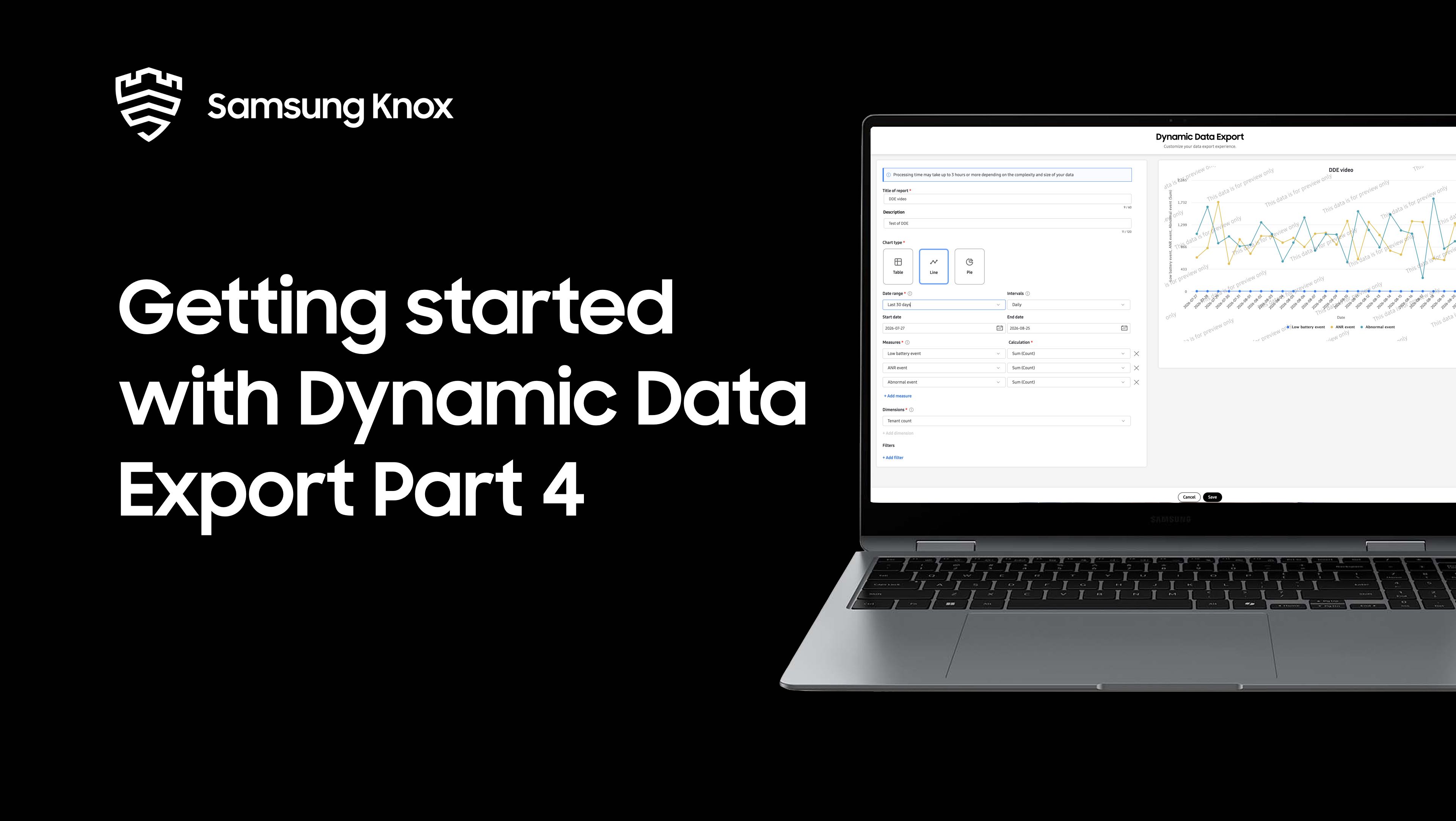
Part 4 introduces the three chart types: Table, Line, and Pie.
-
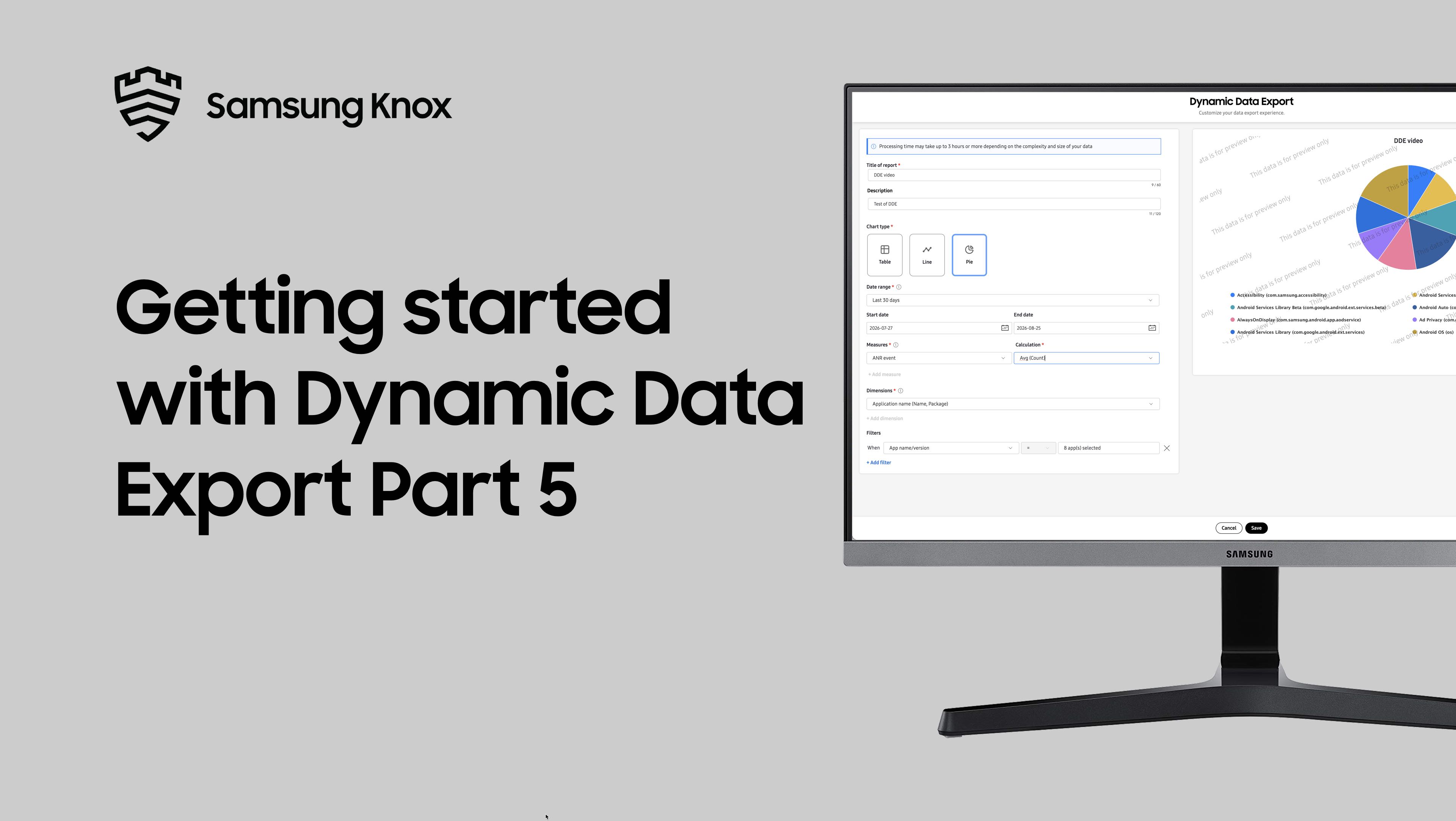
Part 5 introduces how to use filters effectively and understand filter limits.
-
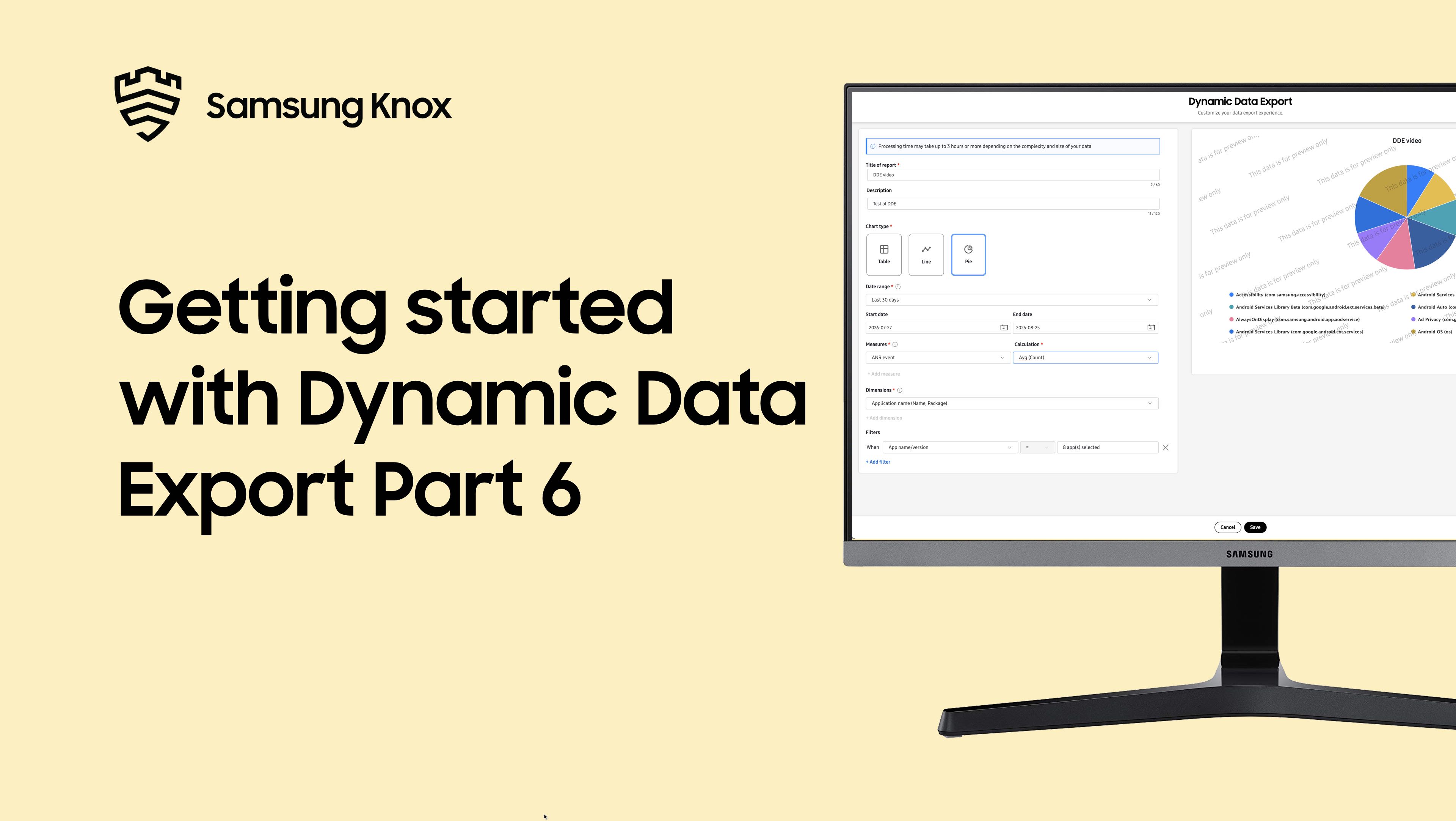
Part 6 introduces how to troubleshoot common DDE issues and errors.
Is this page helpful?