Customize tab
Last updated October 21st, 2026
The CUSTOMIZE tab lets you specify which tiles you want to appear on the Knox Asset Intelligence dashboard, allowing you to focus on the insights that matter most to your business. To customize the layout of your main dashboard, select the insights you want to view, then click SAVE.
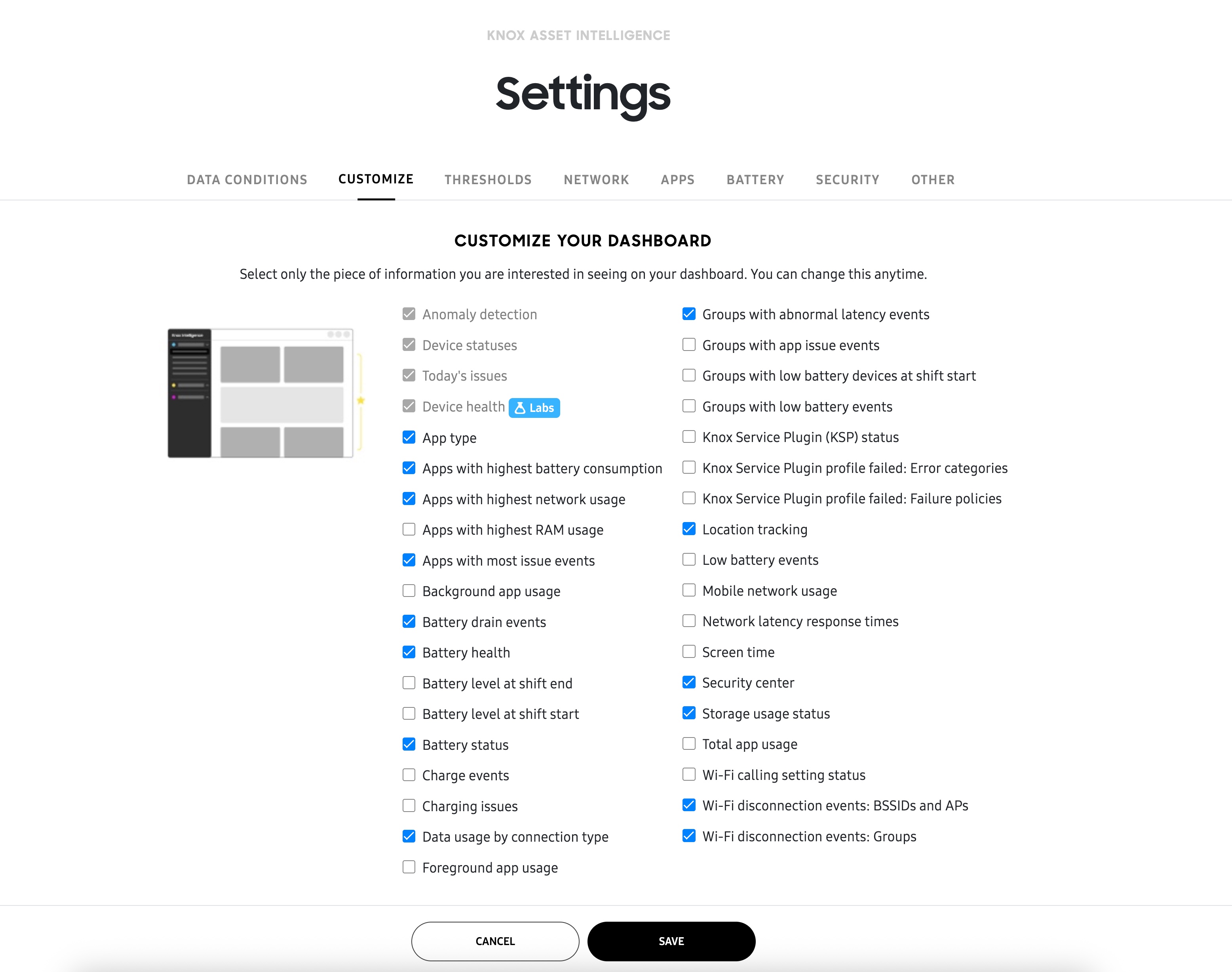
To enable Battery level at shift start and Battery level at shift end, you must first define the conditions for a work shift on the DATA CONDITIONS tab.
About sub-dashboards
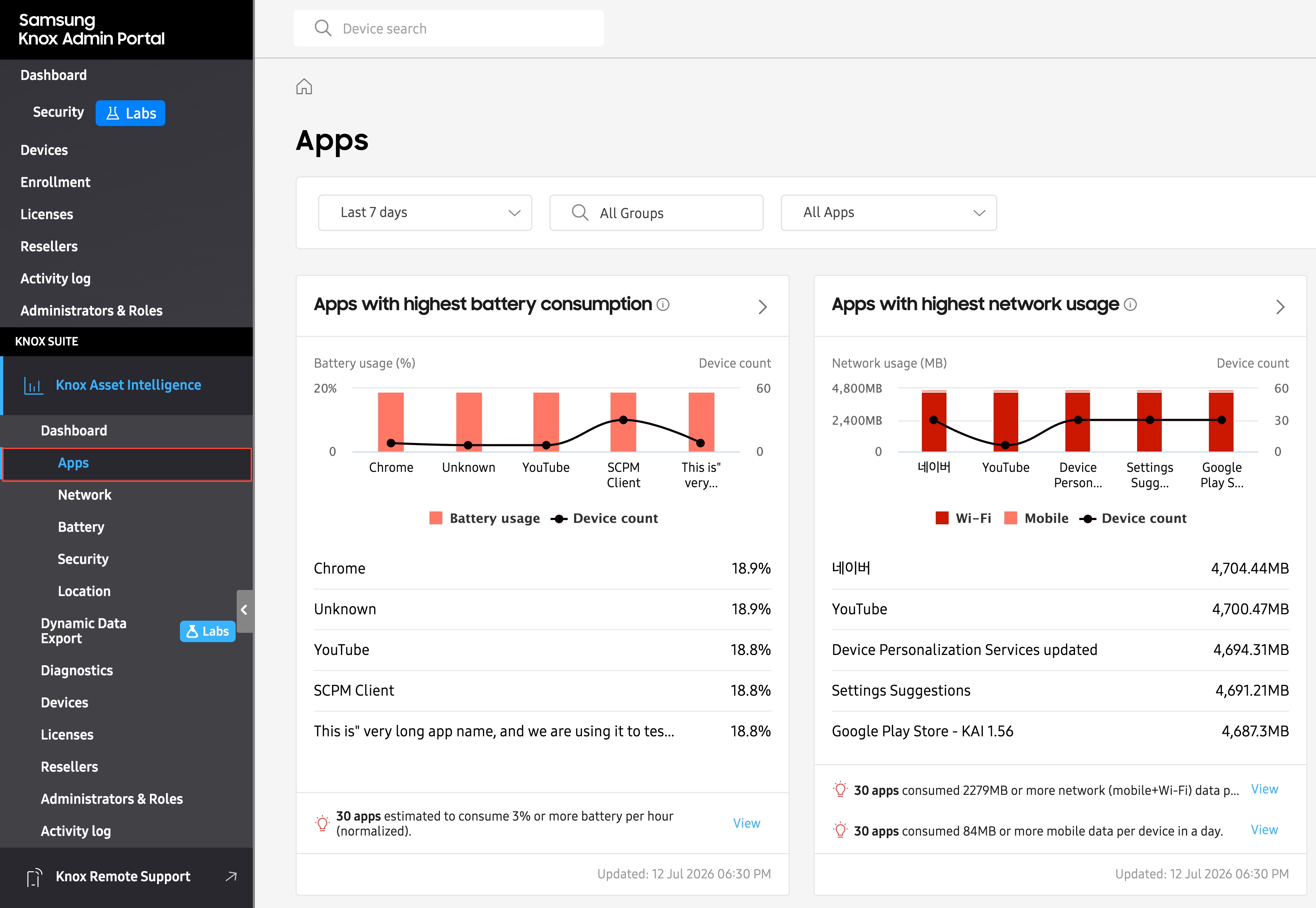
The CUSTOMIZE tab only lets you change the layout of the main Dashboard. Any sub-dashboards that appear in the left navigation menu (Apps, Network, Battery) will always display all of their related insights, regardless of your selection. In other words, the sub-dashboards cannot be customized.
For example, if you unselect the Apps with highest battery consumption and Apps with highest network usage insights from the Customize tab, these apps would be hidden from the main Dashboard. However, they would both still be available on the dedicated Apps sub-dashboard.
On this page
Is this page helpful?