View activity log
Last updated October 21st, 2026
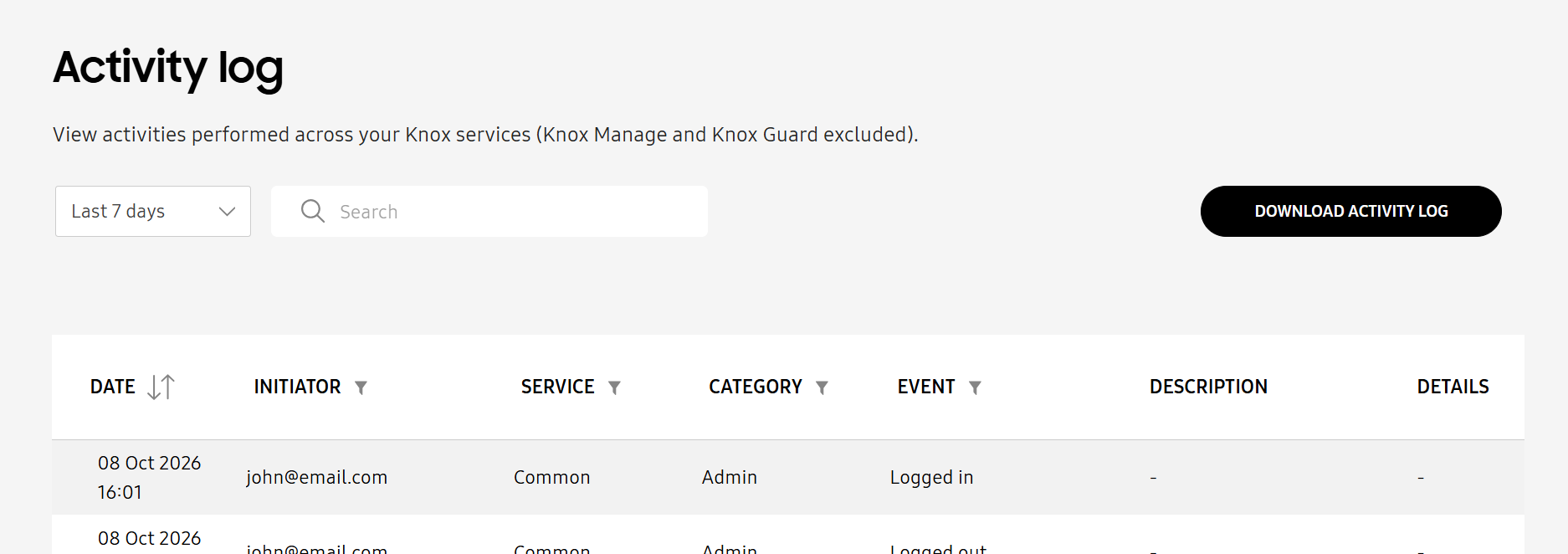
The Activity log lists the actions taken by you and your admins.
Samsung Care Pro events are recorded in the common activity log of the Knox Admin Portal, which consolidates activity log events across all your Knox services.
A sub-admin needs the View activity log permission to view the Samsung Care Pro activity log. For more information, see Manage admins and roles.
To review the Samsung Care Pro activity log:
- Click Activity log in the Knox Admin Portal navigation pane.
- Select the time period for which to view the activity log. You can select between the last 7, 30, or 365 days.
- Click (Filter icon) next to the SERVICE column, then select Samsung Care Pro to show only Samsung Care Pro events.
- (Optional) Click Download Activity Log to save the activity log as a CSV file.
For more information about the details displayed in the activity log and how to search for or export events, see View the activity log in the Knox Admin Portal admin guide.
Is this page helpful?