Troubleshoot errors
Last updated June 4th, 2026
This document is current as of the 26.06 private preview release.
If you’re running into an issue, Knox AI Assist can help you troubleshoot the error, and provide recommendations on how to further investigate or resolve the issue.
At launch, Knox AI Assist can only troubleshoot errors relating to Knox E-FOTA and Knox licenses.
If Knox AI Assist is unable to help you resolve the issue, you can escalate the issue to the support team by raising a support ticket.
On the Recommended actions prompt, click Create Support Ticket. Knox AI Assist automatically populates the Support ticket details form with information about your issue. An example of a pre-populated support ticket is shown as follows:
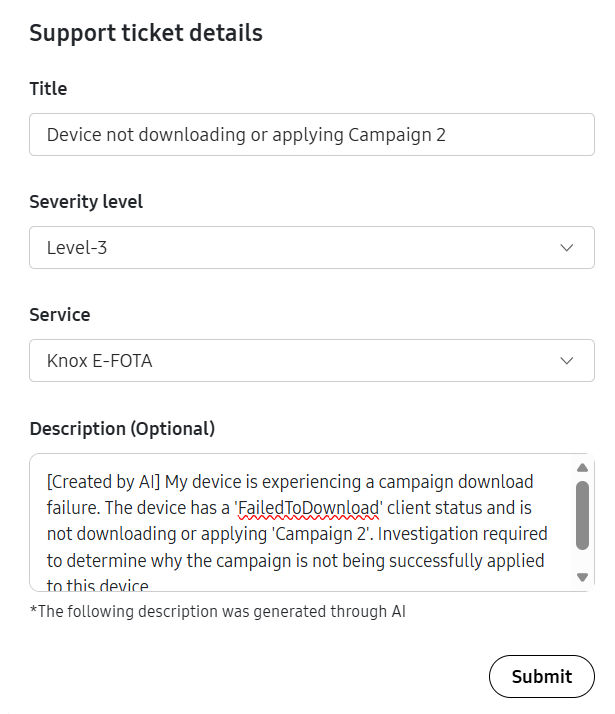
Review each field, make any edits as needed, then click Submit. The Samsung Knox support team will review your inquiry as soon as possible.
Is this page helpful?